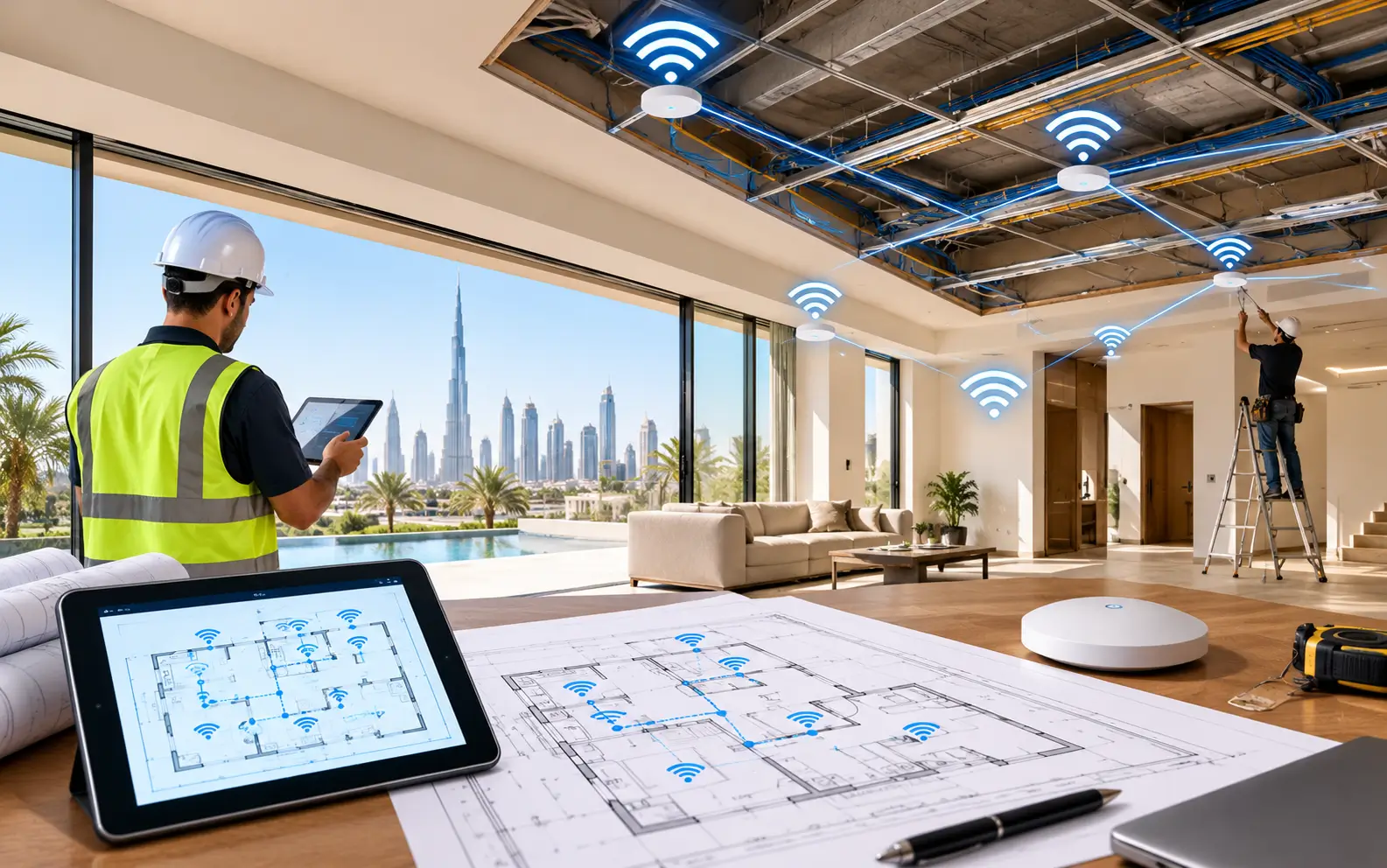
For most Dubai villa owners, months go by prior to selecting the type of marble, joinery, lights, and kitchen finishes for their villa. Few people invest an hour in planning their WiFi. Next they come in and find that only the upstairs bedrooms receive a signal and are left with extenders plugged into all the other sockets and white cable trunking running up freshly painted walls.
Getting WiFi right is simple and affordable for a brief stint during any fit-out or renovation: when walls are up but before the gypsum ceilings and final finishes close in. Miss it and any subsequent repairs will involve re-cutting, patching, repainting, or resorting to a wireless solution.
This guide explains what to plan for, how to plan for it and what to communicate with your fit out contractor to ensure your villa’s network is integrated into the home not added at a later stage.
Why Timing Matters So Much in Dubai Villas
Dubai villas are constructed from reinforced concrete slab and block walls, which are good at blocking heat but are bad at blocking the WiFi signal. Often a single router is not sufficient to service a single floor effectively, and a good mesh system is no exception as each unit must communicate wirelessly with the next one through concrete.
Cabling is the solution that can be depended upon: Ethernet is provided from a central network point to ceiling access points and key rooms on each floor. Cabling is easy to install at fit-out, when conduits can be installed and pulled before walls and ceilings are completed. Then it is an asynchronised retrofit.
The same principle as a renovation of the same type of villa to the same standard being typically 15-25% more expensive than a fit-out on a new shell, for a few reasons: demolition cost, and hidden conditions. The same applies to network cabling. It’s planned early, it’s a small line item; it’s added later, it’s a project.
Step 1: Map How Every Space Will Be Used
Walk around the floor plan of the villa and make a list of the requirements for each area before installing any cables. The following features are typical of a Dubai Villa:
- Living and family spaces featuring smart TVs, streaming boxes and speakers.
- The majlis was usually located at the front of the villa, away from the place where fibre was connected, for guests who wanted to be connected to the Internet.
- Bedrooms, particularly on upper floors, where coverage is typically low.
- The room with the most stable connection in the house, a home office or study.
- Kids’ rooms and study areas for online classes and gaming.
- Often overlooked in coverage plans, maid’s room and driver’s room.
- Gates, video doorbells, intercoms and entrance for video cameras.
- Outdoor spaces like a garden, pool deck, BBQ area and roof terrace.
Depending on each area, determine whether a wired point or a ceiling access point is required, or if both are required, or if only good wireless coverage is required. This list serves as the short list for your contractor.
Step 2: Choose a Central Network Location
Each cable string in the house will lead towards a single point, thus carefully select it. The ideal spot is:
- The villa is centrally located so a cable run to each floor is not too long.
- Ventilated and cool. Don’t use an electrical DB cupboard, consider rooms that heat up in summer or under-stair rooms with no air flow. Equipment is sensitive to operating temperature – fails early when placed in a 45°C cupboard.
- In proximity of the power outlet, preferably a dedicated one, with a small UPS.
- The fibre line is accessible to them, or the location where the fibre line termination point can be moved.
Time to determine fibre point of entry location at property with your internet provider. If it ends up in an awkward corner, ask if it can be extended to the network location of your choice while the walls are still open.
A small network cabinet mounted here makes the router, switch and patch panel easy to maintain and tidy for years.
Step 3: Plan the Cable Runs
The most common WiFi issues for complete villas are related to the lack of cables. When fit out, request:
Cat6 or Cat6A Ethernet cable with a “star” configuration, that is with cable connected to every point back to the network cabinet instead of daisy chaining the cables.
Central placement of ceiling points on each floor, in areas requiring access points. Data and power (PoE) are carried, meaning the socket is not required in the ceiling.
Place points behind televisions, behind desks, in the home office and anywhere a console or computer will be.
Provide pull strings in all available conduits to all floors and outdoor spaces to allow for future installation of cables without damaging walls.
Isolation from power cables. Data cables must not be placed in the same conduit as electrical cables as this can cause interference.
Labelling at both ends, which means all cables can be labeled at the cabinet at the end.
One good tip is: If you don’t know if a room requires a network point, install one. It would be less expensive to have the extra cable installed during fit out than later.
Step 4: Position Ceiling Access Points Correctly
Ceiling-mounted access points provide the best signal distribution in villas, since the signal reaches the ceiling and reflects outwards, even if there is furniture in the way. When planning positions:
- At least one floor, more the larger the floor or where walls break up the area significantly.
- Avoid placing them on metal ceiling grids, heavy light fixtures, AC ductwork and speakers.
- Place them in the center of an area, not in corridors or corners.
- Align ceiling locations with ceiling layout to fit in well with downlights and AC grilles.
The installation of gypsum false ceiling is simple with already installed cable before the installation of ceiling boards, which is common in Dubai villas.
Step 5: Don’t Forget the Outdoors
One of the most sought-after additions following move-in is outdoor WiFi. In the cooler months, pool decks, gardens and roof top terraces are utilized heavily and outdoor camera and gate intercoms are required to have an uninterrupted connection throughout the year.
As part of fit out, install conduit to:
- An outside pergola or wall facing the garden and pool, and
- The roof terrace if it will be used for seating,
- Main gate and garage for intercom and camera.
Weatherproof, heat resistant housings are required for outdoor access points, as they will be exposed to Dubai’s summer heat, dust and humidity. Position in the shade as much as possible.
Step 6: Plan for Smart Home Devices
Smart lighting systems, smart AC controls, motorised curtains, video doorbells, CCTV and voice assistants are some of the common features found in modern Dubai villas. Both install devices on the network and a large villa may be more than 50 devices connected.
Let your installer know the number of smart devices you need and expect:
- Ensuring that the camera and CCTV is connected to wired connections wherever possible,
- A separate network for the smart home devices, keeping them separate from personal laptops and phones,
- Sufficient capacity for numerous devices.
Step 7: Include Network Works in Your Approvals
Villa fit-outs in Dubai will require approval; the approving authority will vary depending on where the villa is: Dubai Municipality, Trakhees for Palm and other waterfront developments, the DDA for design-district communities, and the master developer for gated communities. NOC’s are necessary for villas from the master developer.
When you draw your network cabling, conduits and outdoor mounting positions that are a part of your fit out, you won’t run into any surprises during inspection, and you’ll ensure they’re coordinated with the rest of your MEP scope. It is best to add it towards the end of the project to prevent changes and delays.
Pre-Ceiling WiFi Checklist
| Item | Done before ceilings close? |
| Room-by-room usage map completed | ☐ |
| Central network location chosen (cool, ventilated, powered) | ☐ |
| Fibre entry point checked or relocated | ☐ |
| Cat6/Cat6A runs to all ceiling AP positions | ☐ |
| Wall points behind TVs, desks, and consoles | ☐ |
| Conduits to garden, pool, roof, gate, and garage | ☐ |
| Spare conduits with pull strings to each floor | ☐ |
| Data cables separated from power cables | ☐ |
| All cables labelled at both ends | ☐ |
| Network works included in fit-out drawings | ☐ |
Common Mistakes to Avoid
Putting the finishing touches. Network planning is frequently delayed until towards the final week of the project, when ceilings will likely have been closed.
Using only the ISP router. It was not designed for a multi-storey (concrete) villa.
Locating the network cabinet in the warmest cabinet. Shortening up equipment life and causing random drops of equipment is caused by heat.
Avoiding the outside places. Garden and pool covers are virtually always desired later.
Incorrect count of cables. A not used cable is cheap, a lost cable is expensive.
Getting Expert Input at the Right Time
Your fit-out contractor will install the cable as per the drawing, but not all general contractors have experience in wireless coverage design. By employing a WiFi specialist at the design stage, before the first fix electrical work has been completed, access point locations, cable counts and equipment can be designed to account for how signals actually traverse your villa.
When the WiFi installation in Dubai has been planned during fit-out, the cost of the whole installation is usually less as there are no cables or extenders to be seen, and also it provides consistent WiFi coverage from majlis to the pool deck.
Frequently Asked Questions
What’s the optimal time to have a villa fit-out?
When designing, before first fix electrical work and MEP work is carried out. Ventilation or cables and conduits can be installed prior to gypsum ceilings and wall finishes.
Does mesh WiFi suffice for a Dubai Villa?
While mesh can be a successful network design, it works much better in concrete villas when units are connected via Ethernet cable. So it’s best to plan for this cabling when you are doing the fit-out.
Which cable is required for Villa network?
For most households these days, Cat6 will be enough. If budget permits, Cat6A is an option as it provides more head room for future multi-gigabit speeds.
What is the number of access points for a villa?
That depends on size and layout, but most two storey villas require a minimum of one per storey, and another one or two outdoor areas. The exact number is provided in a coverage plan based on floor plan.
Will there be an opportunity to install WiFi cables after ceilings closed?
Yes, but this typically requires cutting and repairing ceilings or walls or the use of visible surface trunking. Planning it during fit out, avoids both.
Read Also: Addax Office Tower: