Anyone using DU’s services must know their DU number. How to know my du number? The DU number is also known as a SIM or mobile number. It’s your unique identification in the DU Network. You can use it to send and receive messages, make phone calls, get mobile data, or access a range of other telecom services.
Many users will find themselves in situations when they have forgotten or lost their DU number. It is essential to have quick access to your DU number, whether you’re a new user, a business, or setting up an online account. The guide will show how to know my du number safely and quickly with simple steps.
Methods to Find Your DU Number
Using Your Phone Settings
Many smartphones let users check their DU numbers directly on their devices. Navigate to Settings > About Phone> SIM Status on Android. Your DU number will be displayed. Users of iPhones can view their DU number by going to Settings > Phone and selecting My Number.
It is quick, and it does not need any extra apps or an internet connection. If your phone doesn’t display the number you want, there are other options, such as USSD code or the DU App.
Using USSD Codes
USSD codes are the fastest way to find out your DU SIM number. By dialing specific codes, your DU SIM number will be displayed instantly. Entering *135#, *121*1# and *135# will display your number.
USSD codes can be very useful to prepaid customers, since they function even without internet access. These codes are easy to use and widely accepted across UAE telecoms services.
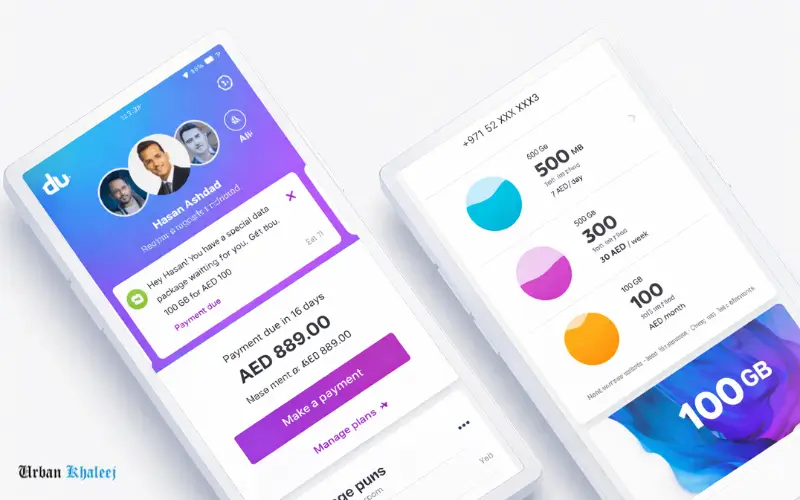
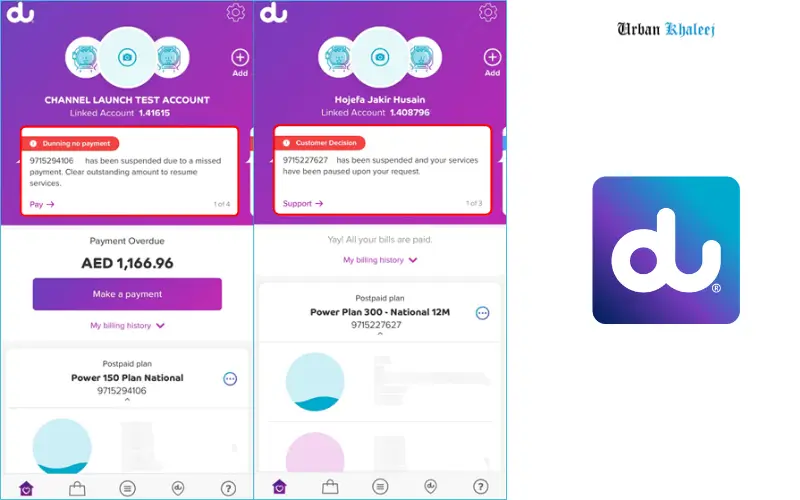
Through DU Mobile App
You can also find out your phone number using the DU app. Log in with your SIM credentials after downloading the DU mobile app. The dashboard or profile section will display your DU number prominently.
The DU App also includes additional features such as checking your account balance, monitoring your data usage, recharging, and billing management. It is aone-stop shopp for DU customers.
Using SMS or IVR Services
DU offers options for those who would prefer voice or SMS assistance to get their number. Sending a coded SMS to a DU number will return your number. You can also listen to your DU Number by calling the DU IVR System after you have verified your account.
The methods below are useful for those who do not have access to the internet or are using phones that lack smartphone capabilities.
Must visit: Plan details for the 50 AED monthly data package – 28GB plan
Contacting DU Customer Care
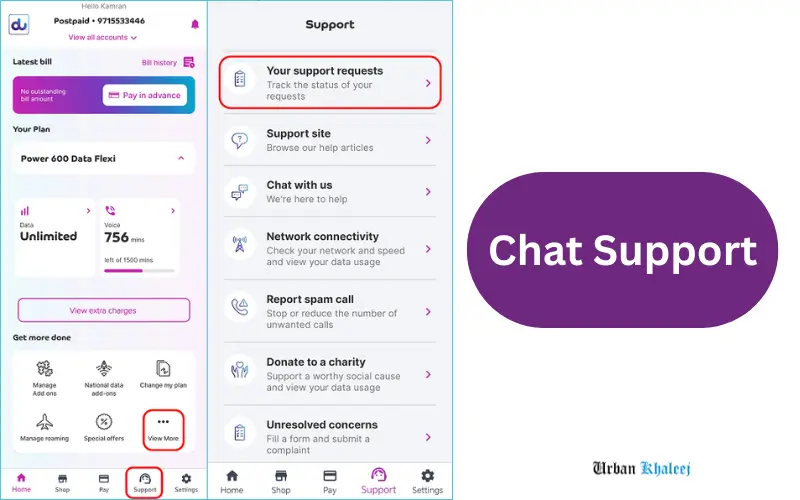
If the other methods don’t work, DU Customer Care is ready to help. Call their helpline or use the live chat feature on the DU site. You can also visit a DU Service Center in person. After a security verification, customer care agents can give you your account number.
If you are unable to retrieve your phone number due to technical difficulties, this method will work for you.
DU Number for Different Users
Prepaid vs Postpaid DU Users
Users of DU, both prepaid and postpaid, have different ways to check their numbers. Users of the DU App or USSD codes can check their numbers with ease. Postpaid users will need to use monthly statements or account portals.
DUs for business and corporate accounts are often verified by the company’s account manager, particularly when there are multiple SIM cards registered on a corporate account.
For Business or Corporate DU Numbers
Security protocols may require additional steps for corporate accounts. The DU number can be accessed by managers through the Business Portal or by contacting account management. The sensitive data is protected.
Common Issues and Troubleshooting
SIM Not Recognized
The phone might not recognise the DU SIM and display the number. If this happens, make sure the SIM card is correctly inserted. You can also restart the phone or try the SIM on another device.
Number Not Showing in Phone Settings
You can retrieve your phone number using alternative methods such as USSD codes, DU App, and customer service if it does not appearinn the settings.
Lost SIM Card
In the event that your SIM card has been lost, you can retrieve it by going to a DU shop for a replacement. To verify the ownership of your number, you will be required to present identification.
Tips and Best Practices
Keep your DU numbers in a safe place, in your contact list, or written down. By regularly updating your profile on the DU App, you will have access to services such as e-billing and notifications.
Conclusion
It is important how to know my du number for communication, mobile services, and account management in the UAE. You can find out your DU number in many ways, whether you’re a postpaid or prepaid user, a person or business, using the phone settings, the USSD code, DU App, SMS, customer service, and IVR.
These methods will ensure that you always have your phone number on hand for any online registrations or recharges. The DU App or USSD Codes are recommended for the fastest access. Customer care offers secure technical support andmeets corporate needs.
Follow these simple steps to manage your telecom services and retrieve your mobile number.
You also Like:
FAB ATM Balance Check
FAB Balance Check
FAQs
How can I quickly find my DU number?
You can use USSD codes such as *135# or check your settings on your mobile phone.
Can I find my DU number without internet?
You can check your phone number using SMS and USSD codes without an Internet connection.
What USSD code shows my DU number?
Your mobile number will appear on screen when you dial *121*1# or *135# using your DU SIM.
How do I check DU number for business accounts?
You can obtain the business account number by contacting DU Customer Care or corporate account managers.
Can customer care provide my DU number instantly?
Customer support will be able to provide you with your DU immediately after verifying the details of your account.