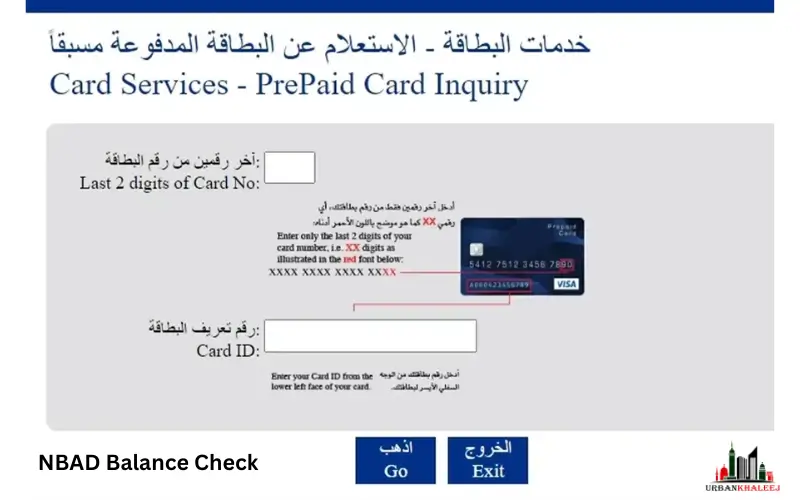
Financial planning is impossible without a good understanding of your account balance. National Bank of Abu Dhabi, now First Abu Dhabi Bank, offers several convenient options to manage and check your bank account balance. This guide can help you safely and instantly check the balance of your NBAD account, whether you use online banking, apps for mobile devices, ATMs, or phone banking.
How to check your NBAD balance
There are several ways to check the balance of your NBAD. The methods are all secure, and each is designed to suit different tastes.
1. Balance Check NBAD Online
You can check your balance on the NBAD/FAB Website:
- You can now access the NBAD/FAB official online banking platform.
- Enter your login username and password by clicking the Login button.
- Click on the Dashboard or Account Summary section.
- You can view your account balance, recent transactions, and type.
Benefits:
- Access to the Internet from anywhere
- There are no additional charges.
- Two-factor authentication for secure login
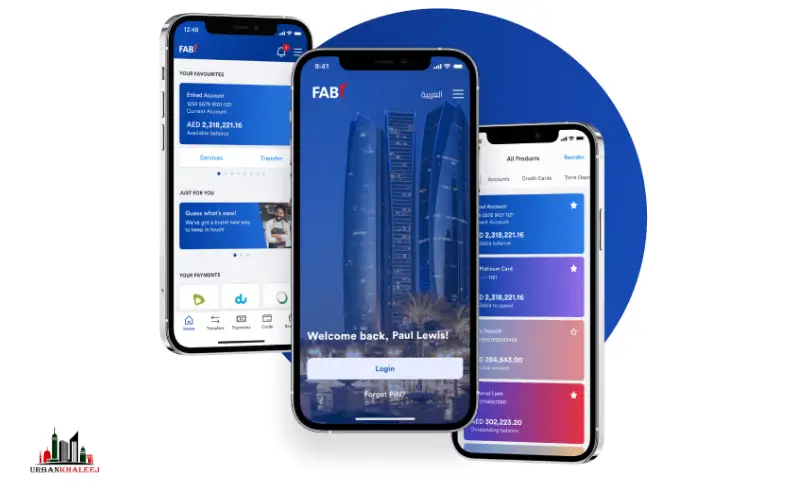
2. Use the Mobile App to Check Your NBAD Balance
The FAB Mobile Banking App allows convenient access to your account at any time.
- You can download the app on the Google Play Store or the Apple App Store.
- Log in to the app using your credentials.
- The homepage will show your account balance.
- You can easily access your account history, transaction records, and statements.
Your first login may require a 6-digit PIN or a temporary password.
Benefits:
- Access to Quick-Access anywhere
- Real-time monitoring of transactions
- Notifications and alerts for easy financial planning
3. Check your NBAD balance at any ATM
NBAD ATMs provide offline access.
- Find the nearest NBAD/FAB ATM Balance Check
- Enter your PIN after inserting your card.
- Select Balance Inquiry from the menu.
- Your balance will be displayed instantly.
Notes:
- The ATMs of the NBAD/FAB Network are all free
- Some ATMs charge small fees even if they do not accept NBAD.
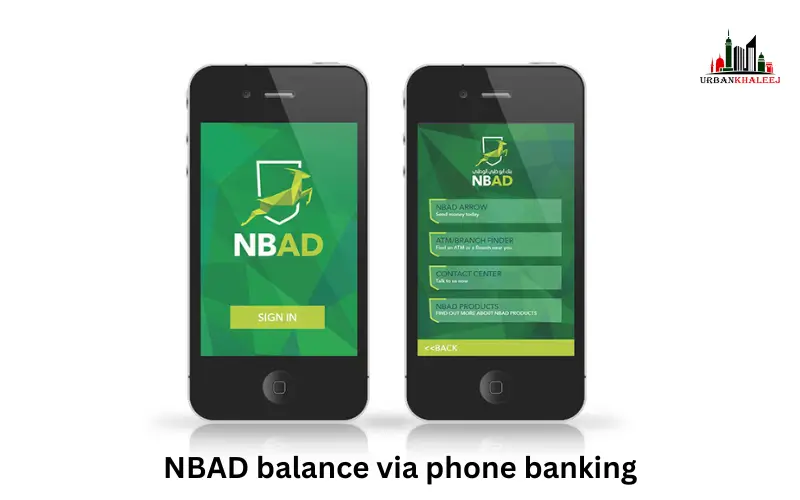
4. You can check your NBAD balance via phone banking
You can’t access the internet if you:
- Call NBAD customer service.
- You can access your balance by following the steps.
- Check your account balance as well as recent transactions.
Benefits:
- Traveling abroad? Useful information
- You can access the website without an internet connection or r mobile application.
Understand the difference between Available Balance and Actual Balance
It’s crucial to understand the differences between NBAD and NBAD-based balances.
- You can access your available balance immediately.
- Total Balance: This includes pending transactions that have not been processed.
It is important to monitor both accounts in order to avoid overdrafts. This will also ensure accurate financial planning.
You can check your salary account (PPC) online
NBAD provides prepaid cards to employees for their salary accounts.
- Sign in online to your NBAD Account or through the app.
- You can view the total amount of your account, including any salary payments.
- You can check your recent transactions to see if you have received any salary.
- You can set up balance alerts so that you are notified when your pay is credited.
Benefits of using NBAD Balance Check
Checking your balance regularly has multiple benefits.
- Secure: Advanced encryption and 2-factor authentication are used to protect the data.
- Instant updates: Be informed of any changes to your account’s balance.
- Monitor all transactions, including salary deductions and payments.
- Plan your finances: Take informed decisions on spending, savings, and investment.
- Check your balance at any time using multiple channels.
- You can access your account via a website, mobile application, ATM, or by phone.
Problem Shooting Troubles
When you are checking your balance, you can encounter minor issues. These are the most frequent problems and their fixes easily.
When you are not seeing your balance, the first step would be to check your internet connection. A loose or insecure connection may prevent the balanfrom ce being loaded. Also, ensure that you have the latest version of your app. In case the problem persists, then log out of your account and log in once more.
In case you see unfinished transactions, keep in mind that certain transfers or payments require time to be completed. This lag may have a short-term impact on the balance presented. In this case, wait several minutes or hours before the transaction is fulfilled. In case it remains stagnant, you may as well contact the customer service.
In case you notice a mismatch of your balance, like a missing amount or wrong deduction, report the same immediately. You may call the NBAD call centre or go to the closest branch to have it checked and rectified.
The ATM may be out due to a temporary technical problem or maintenance, in case it is not functioning. Attempt to use an ATM of another NBAD/FAB. In case you are still not able to check your balance, you can resort to online banking or the mobile application.
Conclusion
It is easy, safe, and vital to check your NBAD/FAB account balance, which is vital in managing money. In any case, be it on the website or mobile application, AM, or phone banking, these options are convenient, up-to-date, and reassuring. Constant checking will ensure you do the correct financial planning, avoid overdraft, and also keep you in control of your finances.
Related Blogs:
FAB Bank Salary Account Balance
How to Open FAB iSave Account In UAE
Unlink FAB Mobile App Complete Guide for UAE Users
Frequently Asked Questions
1. Is it possible to NBAD Balance Check offline?
Yes, through the ATMs or phone banking of NBAD.
2. To what frequency do I check my balance?
Checking allows for preventing unauthorized transactions, controlling the expenditure, and preventing overdrafts.
3. What would happen in cases where my available balance is lower than my real balance?
There can be pending transactions that will decrease the amount of balance temporarily.
4. Is it possible to check my balance on any ATM?
Yes, though the ATMs that are not NBAD might carry a small fee.
5. What happens when the mobile app displays the incorrect balance?
Update the application, log out and in, or reach out to the customer service.
Disclaimer
This article is for informational purposes only and is not affiliated with First Abu Dhabi Bank (FAB). Please verify all details from the official FAB website or customer support before taking any action.